 AgentOS
Your coding agents, on your own machine.
Sandboxed sessions on the subscriptions you already have. Steer them from your desktop, terminal or iPhone.


One daemon on your computer. Nothing else in the middle.
The host starts each agent CLI as shipped, inside its own sandbox, and keeps every session in a local log. Your phone reaches it through a relay you deploy yourself.
Your computer
Your Cloudflare account
Your pocket
The host listens on no network port. It dials out to the relay, which forwards end-to-end encrypted frames it cannot read.
The sandbox is the boundary
Agents run with their own approvals on auto. What keeps them in check is what the sandbox lets them reach, not a prompt before every command.
Sandboxed sessions
Bubblewrap and seccomp on Linux, Seatbelt on macOS. A session writes only its workspace and can't read your secrets or other agents' logins.
Network allow-list
Each session reaches only its agent's provider and the hosts you allow for that workspace. Private addresses are refused.
Your credentials stay yours
Pushing, pull requests, installing tools and MCP connectors go through the host, which shows you what will run and waits for your approval.
Your subscriptions, as shipped
No agent loop of its own. Each CLI runs unmodified with your existing login, so there is no extra API bill.
End-to-end encrypted
Phones pair by QR code and talk to the host over Noise tunnels. The relay has no accounts and stores no transcripts.
Nothing lost on disconnect
Sessions are an append-only log on your machine. Lose signal on the train and the phone catches up without gaps.
Away from your desk, still in the loop
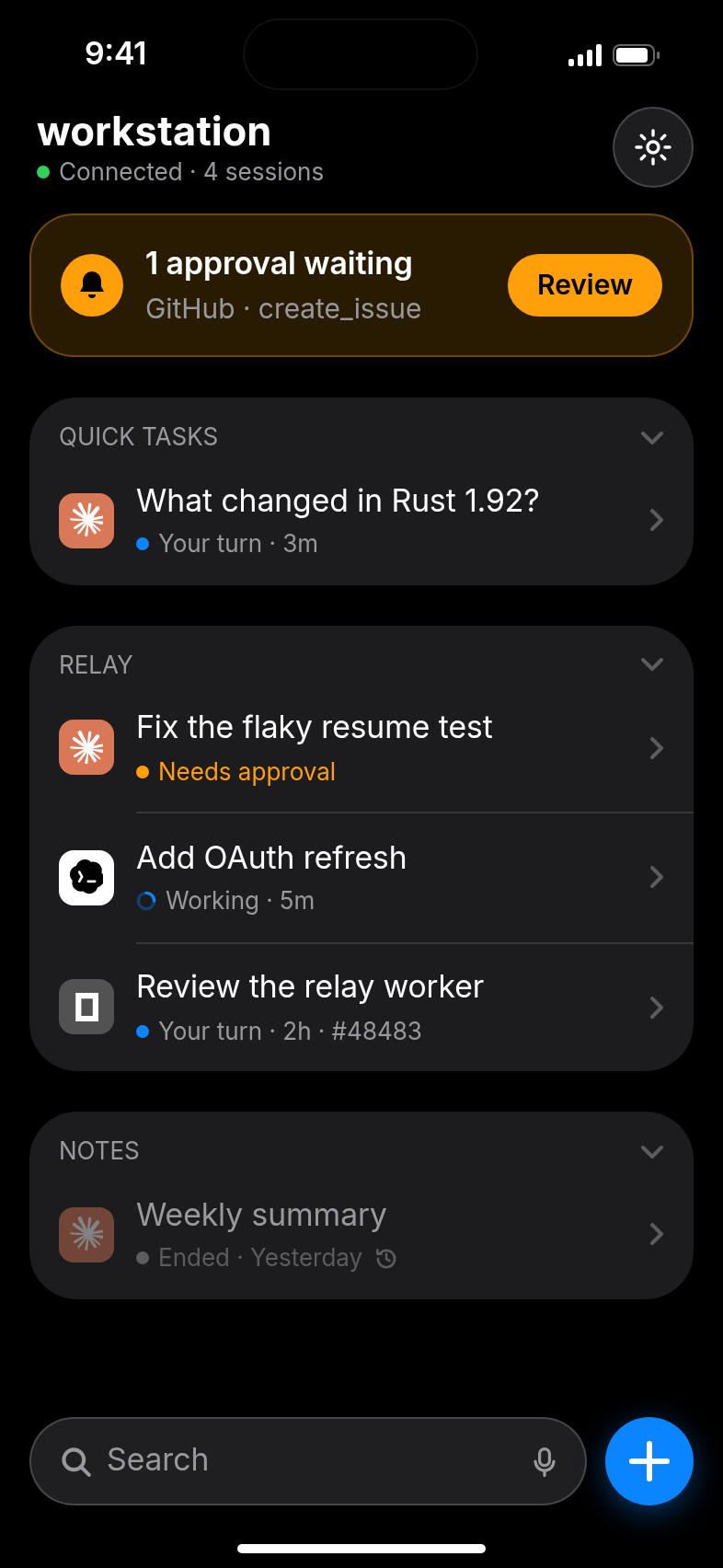
When an agent wants to do something with your credentials, the request comes to you, wherever you are.
- Approve from your phone. See the exact command and the agent's reason, then allow or deny it.
- Start and follow sessions. Type or dictate prompts, attach photos and files, read transcripts offline.
- Automate. Run a session on a schedule, or when a webhook such as a Sentry alert arrives.
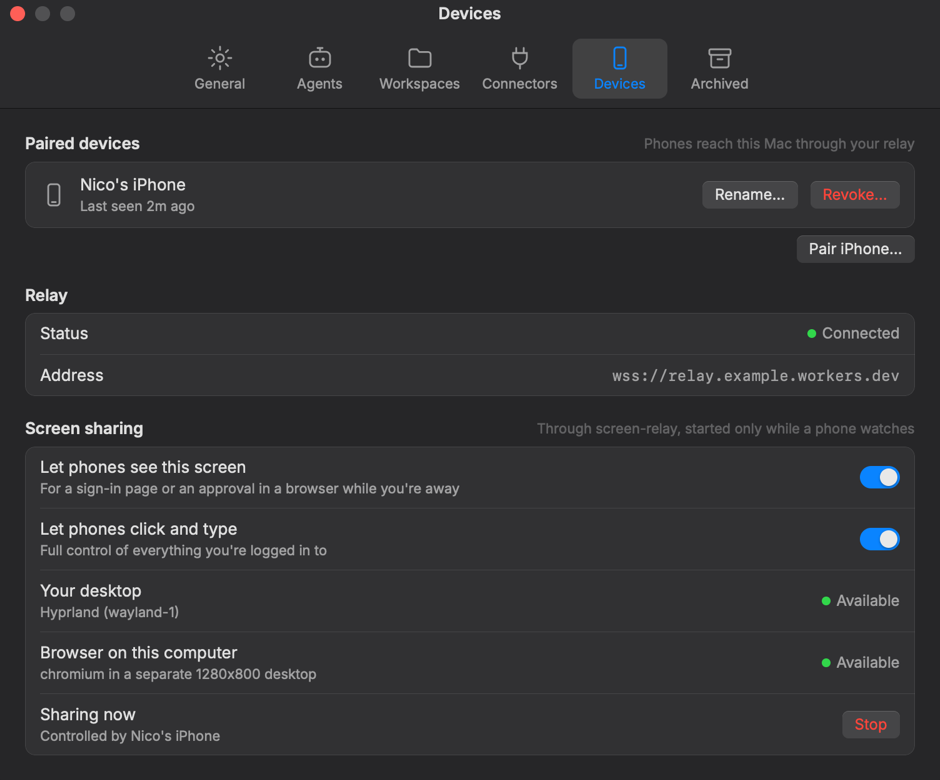
- See the host's screen when a task needs a sign-in page or an approval in a browser.
Set it up
You build it from source. The host and desktop app take one script; remote access and the iPhone app are optional.
Install the host
You need Rust 1.85+, Node 22+ and the agent CLIs you want, installed and logged in. On Linux also
bubblewrap,socatandripgrep.$ git clone https://github.com/Ngineer101/AgentOS.git && cd AgentOS $ scripts/install.sh # builds and installs the host, the CLI and the desktop app $ agenthost status # sandbox health, agents, login stateStart your first session
Add a folder as a workspace and give an agent something to do. Or open AgentOS from your applications and press ⌘N or Ctrl+N.
$ agenthost workspace add ~/code/myproject --profile packages
$ agenthost run ~/code/myproject claude "Summarise this repo"
$ agenthost chat ~/code/myproject codex    # interactive
Add remote access optional
Deploy the relay to your own Cloudflare account (the Workers Free plan is enough), point the host at it and pair a device.
$ cd relay && npm ci && npx wrangler login && npx wrangler deploy
$ cd .. && scripts/install.sh --relay wss://agenthost-relay.<your-subdomain>.workers.dev
$ agenthost device pair    # shows a QR code
Build the iPhone app optional
There is no App Store build. You build it yourself on a Mac with Xcode, XcodeGen and rustup, then scan the QR code from step 3.
$ cd ios && ./build-rust.sh && xcodegen generate
$ open AgentHost.xcodeproj
The commands keep the project's earlier name, agenthost.
Documentation
Getting started
Prerequisites, installing, updating and uninstalling, and running it without installing.
Using AgentOS
Workspaces, quick tasks, several logins per agent, automations and webhooks.
Remote access and iOS
Deploying the relay, pairing a phone, building the app and turning on notifications.
Security model
What the sandbox allows, what asks for approval, and what the relay can see.
Early software. AgentOS is a personal project, built for one person's own use and shared in the open. It is developed mainly on Linux; macOS and the iPhone app have had less testing. What has been verified, and how.